
Microlearning for new hires
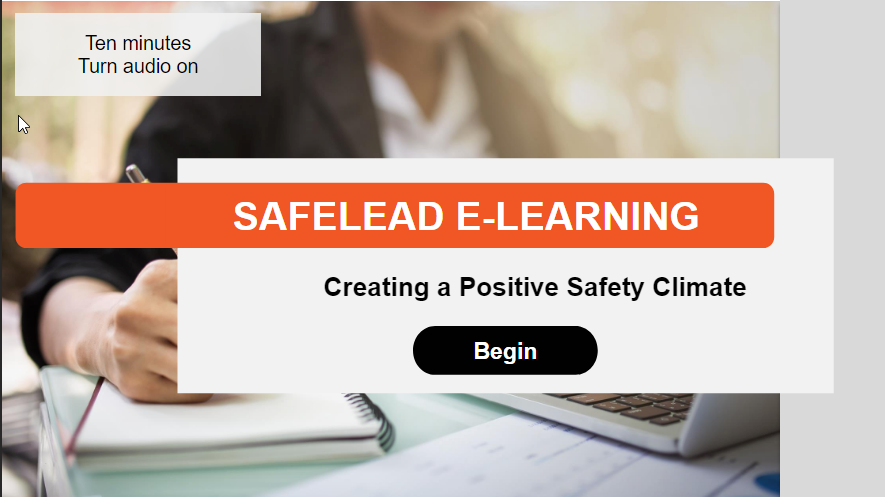
This is one of two sessions I’ve developed for clients in regards to a specific training product, SafeLead.
They involved working with a voice actor, which meant learning how to finely edit audio files.
Because this is a sold product, I can only provide a few screen shots here.
Audience: Site supervisors
Responsibilities: Needs Analysis, eLearning Design and Development, Graphic Design
Tools Used: Storyline, Adobe Stock, Google Docs, MyAbsorb, Audacity
The Problem
Clients implement the SafeLead training process, which focuses on the safety and leadership skills of site supervisors. Each participant goes through an intensive training process in groups of 2-3.
However, if a new hire is brought on, or someone misses a session, they may not be familiar with the concepts of the training. There needs to be an easily completable “primer” that gets people familiar with the basic concepts but that doesn’t substitute for the training itself.
The solution was to design a microlearning session that could appeal to new learners as well as function as support for the training. I worked with the creator of the training program to build two microlearning sessions that covered the core material.
Key to these sessions was that they would be highly interactive.
The Solution
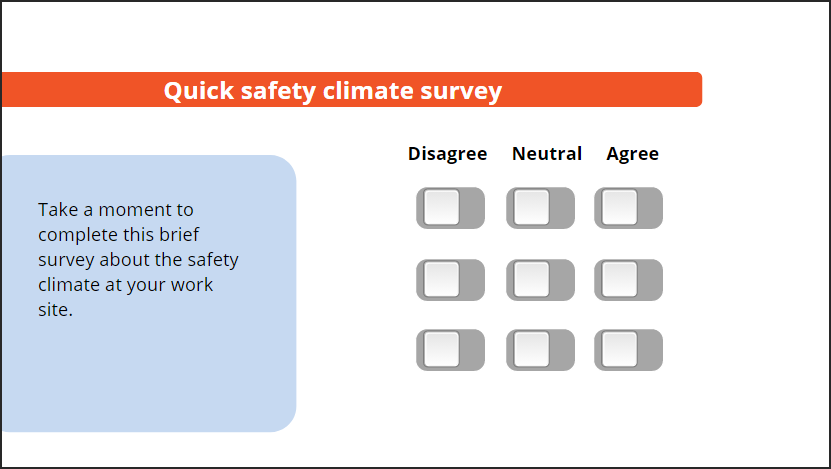
The learner takes a quick survey and receives scored feedback.
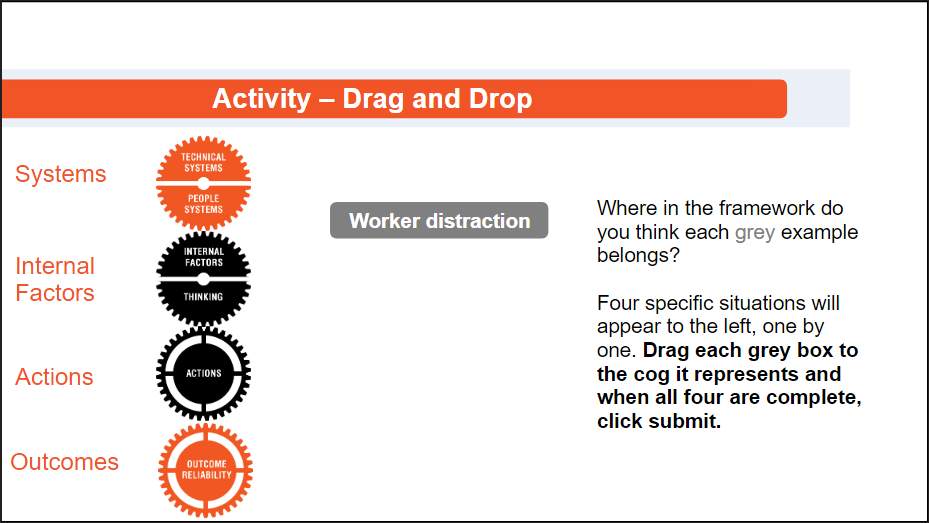
Drag and drop activities help to make abstract framewroks real.
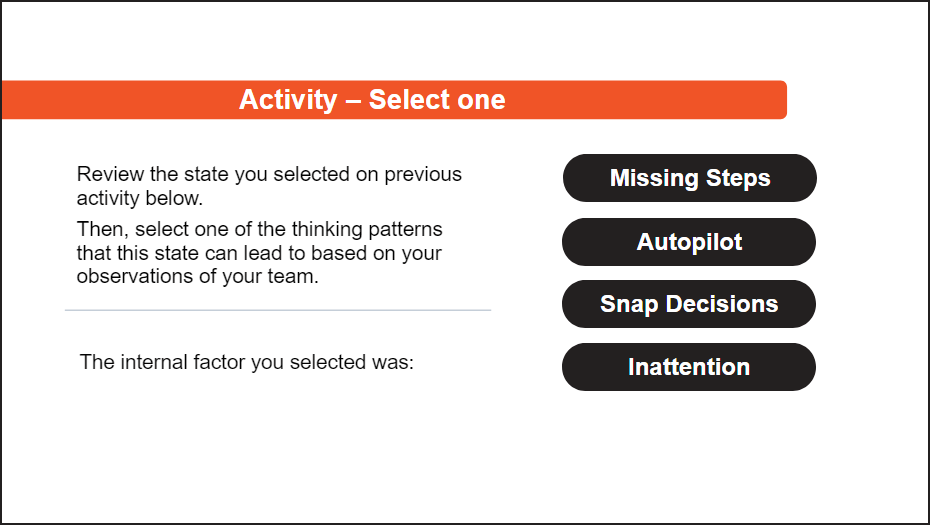
Discovery learning is leveraged along with varied interactions to keep things engaging.
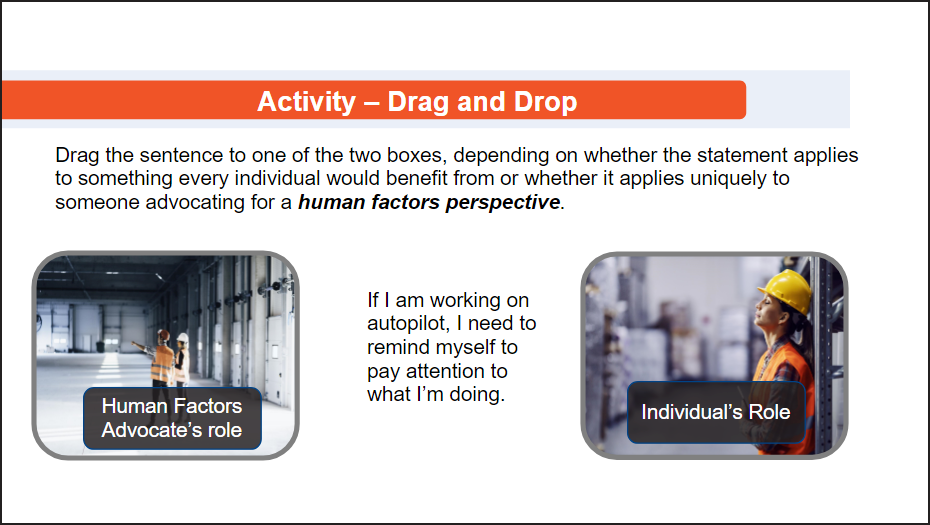
Interactions are simple and feedback is crafted, allowing for key content to be delivered at the right time.
While not as formal as the process I completed with my concept project, this project showcases my ability to lead projects independently through to a successful solution to client needs.
Because this eLearning session supports a training product we already built internally, the SME role was filled by my department head.
My Process
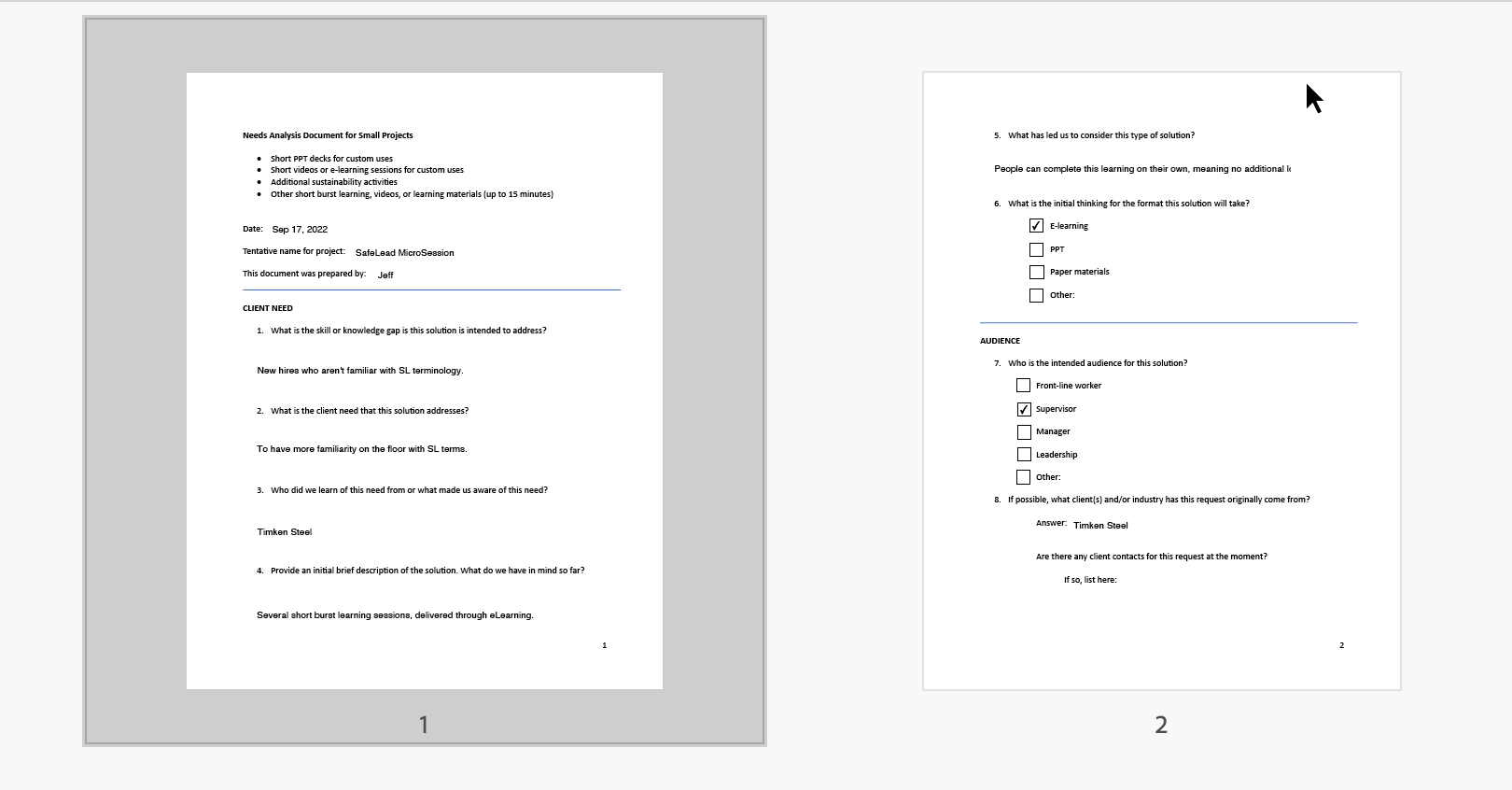
I created a Needs Analysis document for short burst learning in order to focus the project properly.
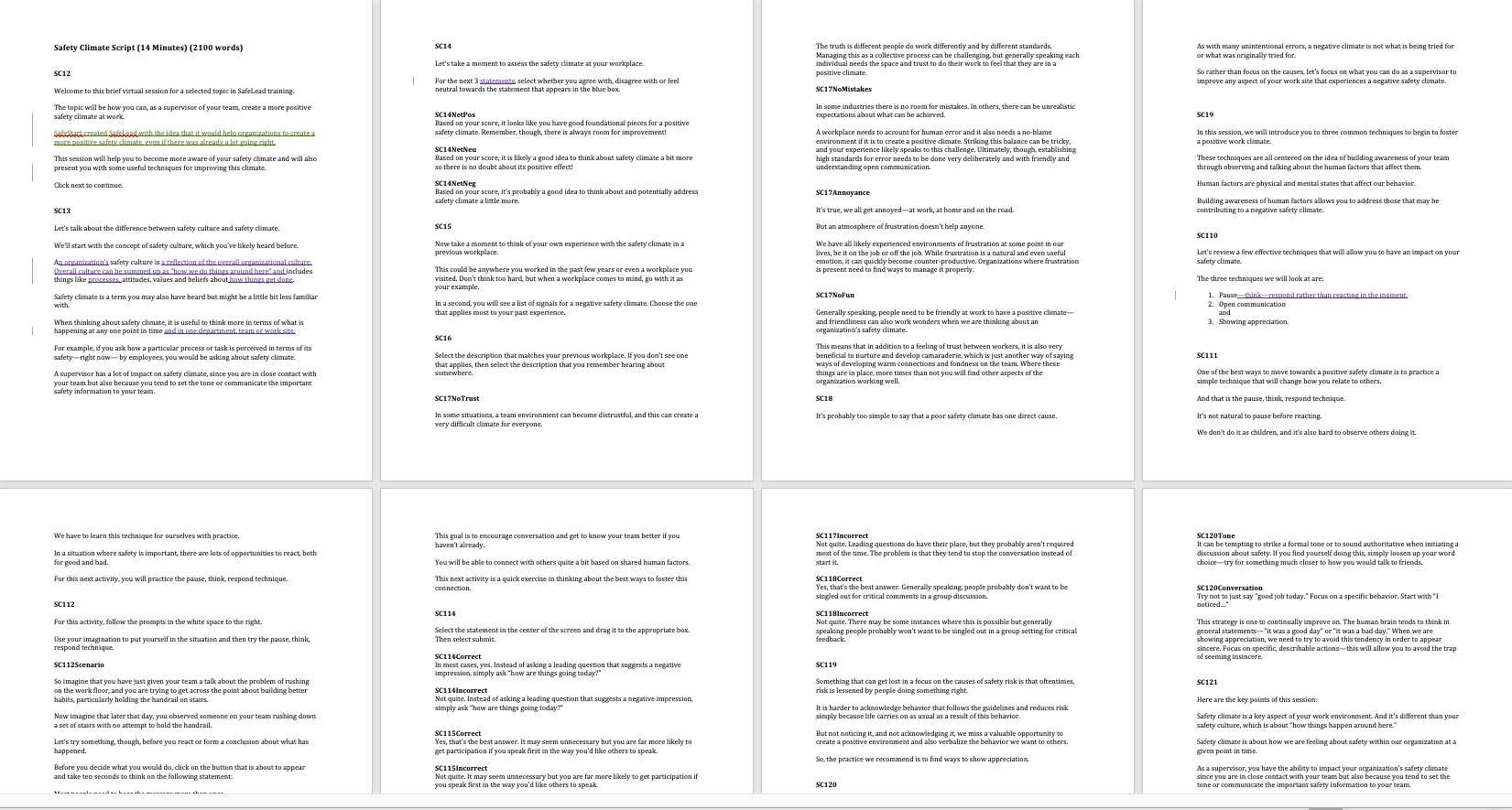
I wrote a storyboard and went through several feedback rounds.
I used the company style guide to determine color pallette and font style.
In terms of my decision-making, I wanted the following:
A simple design that could be easily repeatable to other modules
Images that emphasized the human side of safety
Clean and simple design for slides that had interaction
Visual Design
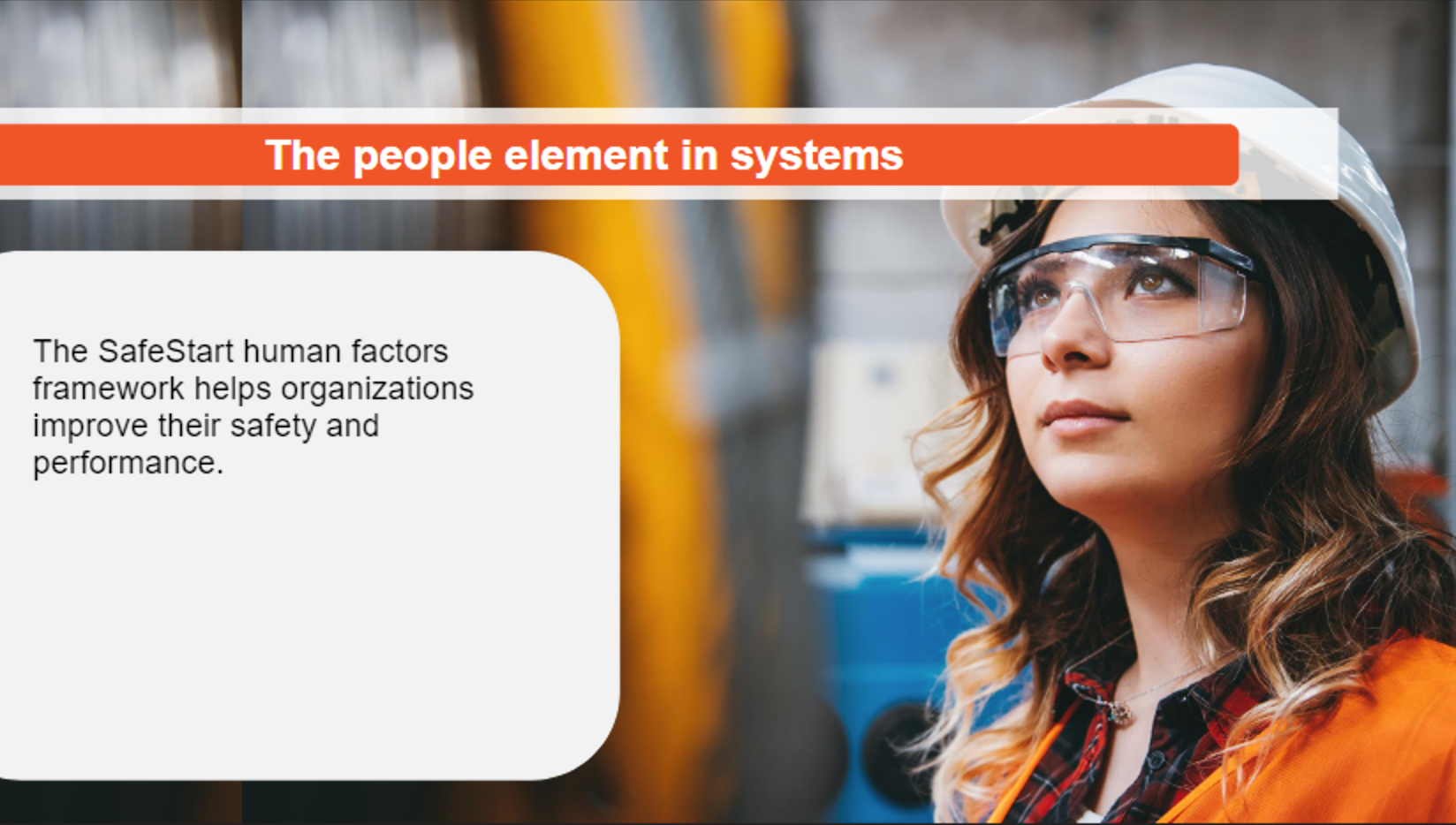
Design is simple but effective, meaning it can be duplicated easily. An example of bright, modern photos to show a human face.
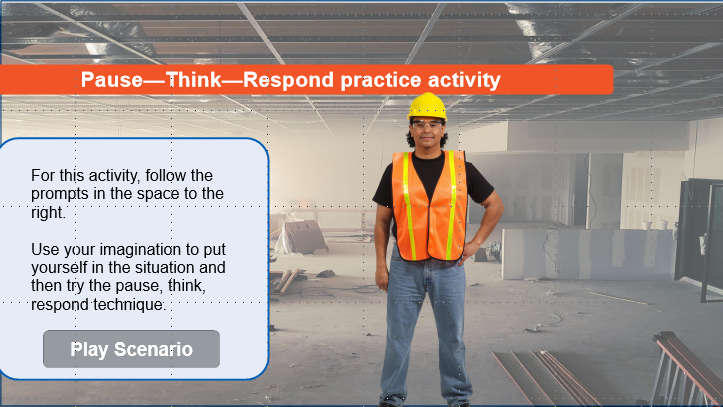
Even with longer, sustained interactions the design is kept simple and clean.
Because the session was short, I was able to build the full prototype fairly quickly and let my colleague test it for functionality. A lot of what I learned here was how to make the interactions clear and test them for potential issues.
Once I received several rounds of feedback and applied the changes, I then developed the full session.
Iterating
This project was implemented in the client’s LMS and we received very positive feedback from the client. They pointed out that the sessions were clear, concise but highly engaging. The development of these sessions opened new opportunities at my work to support existing training programs with eLearning that focused on client needs.